
Equipment maintenance software that knows what is safe to use
Every vehicle, trailer, plant item and tool as an asset in AREESA, with its service interval, its tag-out history, its damage reports and a QR code on the side. When a service falls due the asset says so, the right people get an email, and the pre-start is one scan away.
Australian owned. Used every day on active sites across Australia.
What is plant and equipment maintenance software?
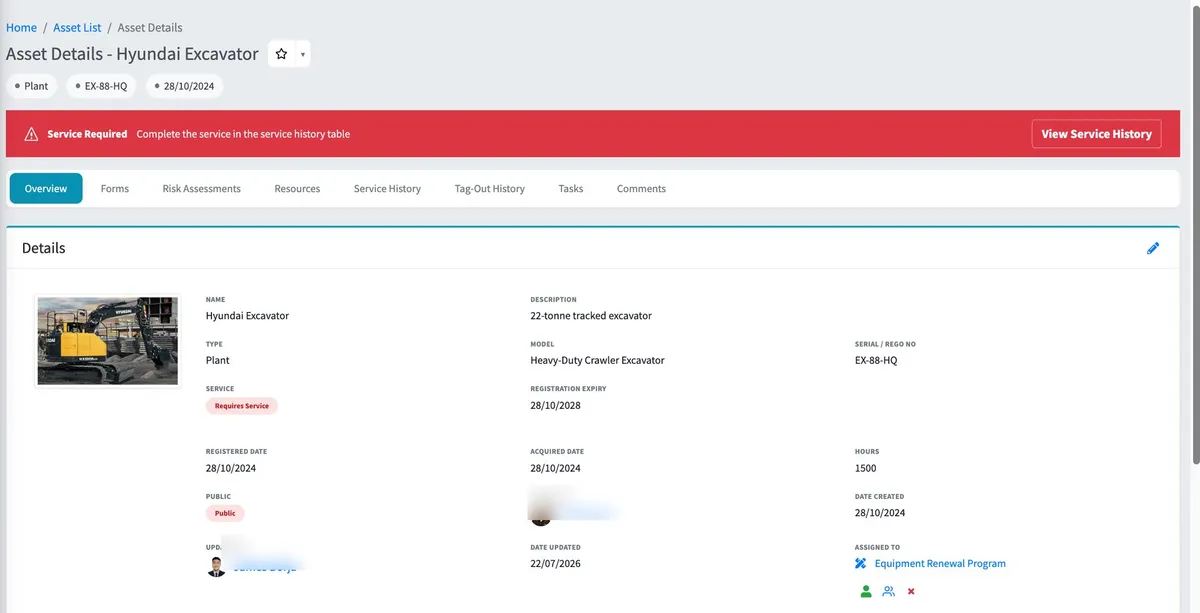
Plant and equipment maintenance software replaces the service logbook in the glovebox, the rego spreadsheet and the tag someone meant to write out. Every vehicle, trailer, item of plant and piece of equipment becomes an asset in AREESA, with its serial or rego number, model, registration expiry and service schedule, and everything that happens to it is recorded against it.
The difference is that the asset speaks up. Set the service interval in kilometres, hours or days and the reading you are at now. When it clocks over, the asset is flagged for service, a red banner says so, and the people you nominated get an email. Tag it out with a reason and it stays on record until someone clears it.
The asset tells you when it is due.
Choose kilometres, hours or days, set the interval and the reading you are at now. From then on the asset does the counting, not the person with the spreadsheet.
- Requires Service flag and a red banner on the asset the moment the interval clocks over.
- An email to one or more nominated people when a service falls due or is requested.
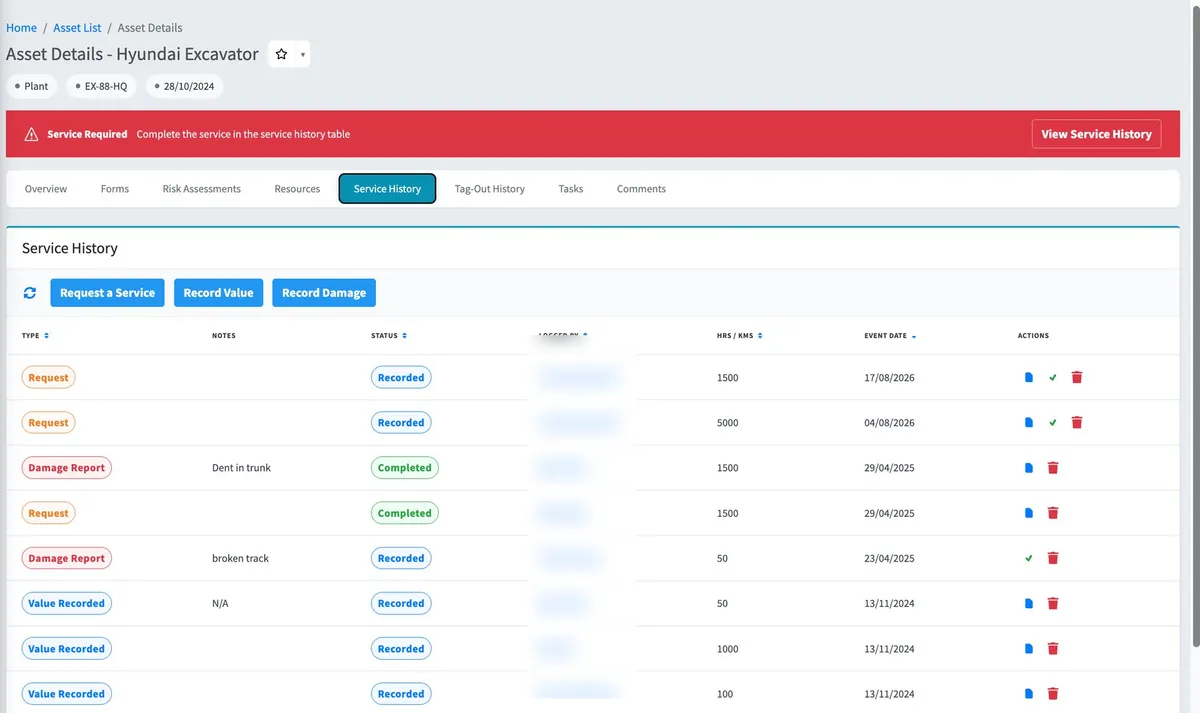
- Service history with every request, reading and damage report, who logged it and its status.
Tag it out once. Everyone knows.
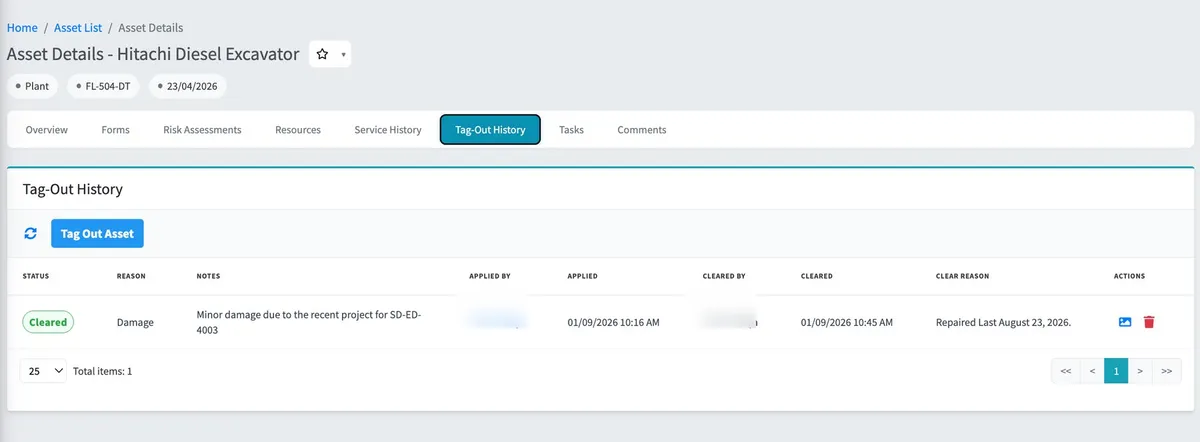
A tag-out in AREESA is a record, not a strip of tape. Who tagged it, why, and when it was cleared are all on the asset, and the QR code on the machine takes anyone straight to it.
- Tag out an asset with a reason and notes; it stays tagged until someone clears it, and both are on record.
- A QR code on every asset. Scan it and the asset opens, with its forms and documents.
- On a public asset the scan works for anyone, and a tagged-out asset stops its forms until it is cleared.
Know who has what.
Assign assets to people, sites or other assets and the chain is visible on the asset: these tools are in that van, and that van is with that driver.
- Assign an asset to a person, a site or another asset: the tools to the van, the van to the driver.
- Assets assigned to a worker show on their own dashboard, next to their inductions, forms and licences.
- Pre-starts, vehicle checklists and damage reports start from the asset itself, so the record stays with the machine.
The whole history of the machine, in one place.
Every asset type
Vehicles, trailers, plant, equipment and anything else, each with serial or rego, model, purchase price and dates.
Registration expiry
Registered date and registration expiry held on the asset, next to its service schedule.
Forms on the asset
Start a vehicle checklist or a damage report from the asset, with pending and completed lists kept against it.
Risk assessments
Risk assessments attached to the asset with their version and highest risk rating.
Documents and tasks
Manuals and certificates in the asset’s resources, and tasks with a status, priority and assignee.
Any device with a browser
Phone, tablet or computer, Apple or Android. Scan the QR code with the camera and go.
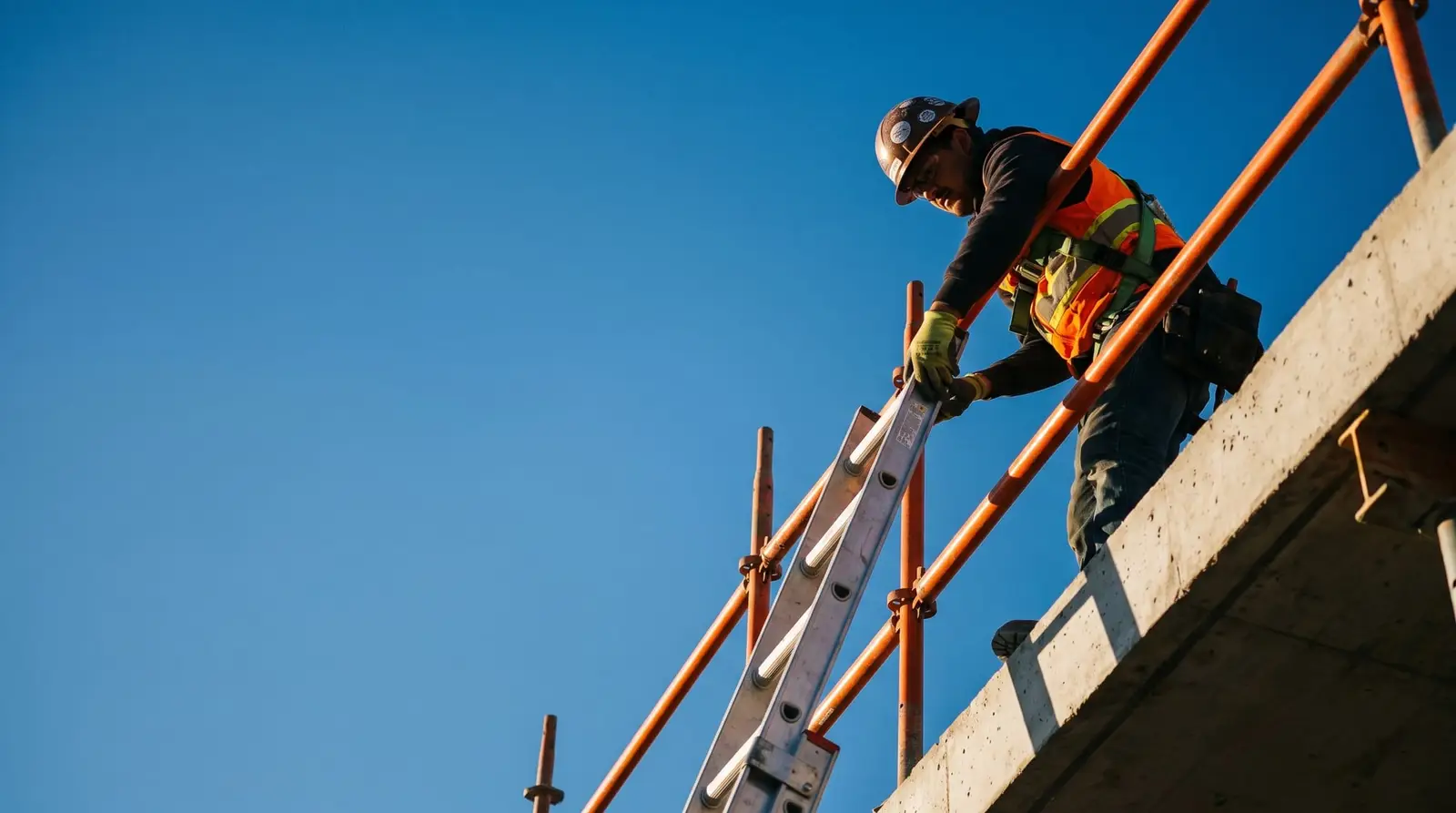
Scan the code on the machine. No app.
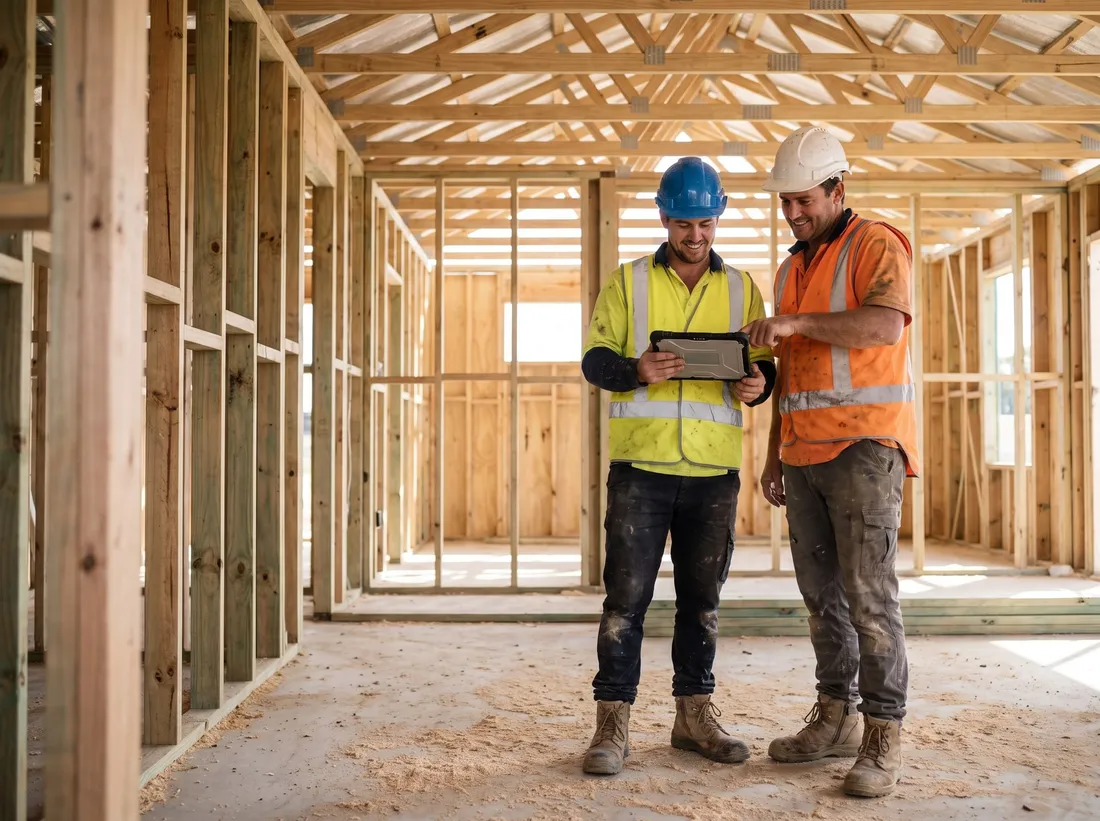
AREESA is fully web-based. A worker points their phone camera at the QR code on the excavator, the asset opens in the browser, and the pre-start is there to start. Nothing to install, no Apple-or-Android lock-in.
Not just documented. Verified.
A safety system only counts if you can prove it happened.
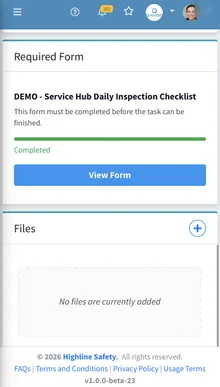
Completion tracking
See who has completed inductions, sign-offs and inspections across every site, live.
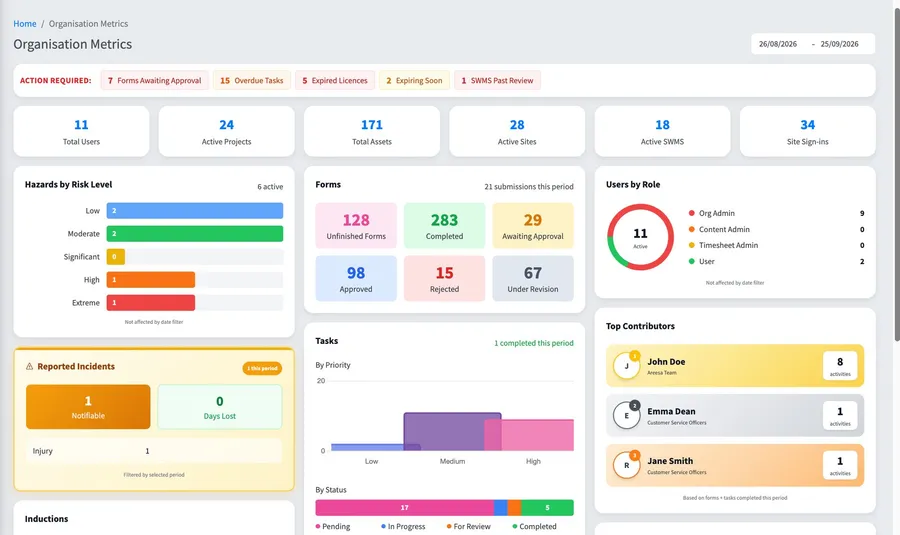
Approval workflows
SWMS and documents move through review and approval with a full history.
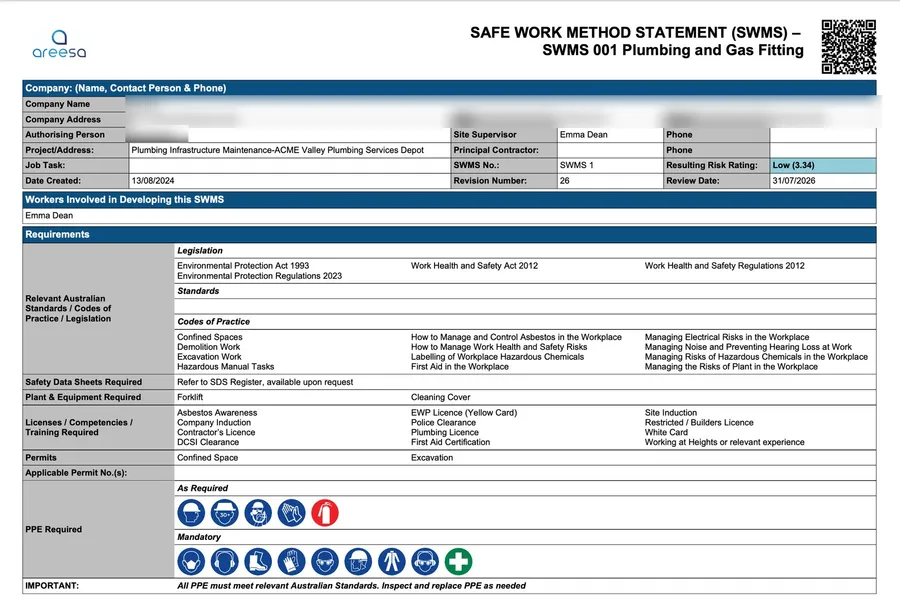
Audit-ready records
Every record time-stamped and signed. When the auditor asks, you search, not scramble.
Questions
What can I track as an asset?
Vehicles, trailers, plant, equipment and anything else you want a record for. Each asset carries its name, serial or rego number, model, description, purchase price, registered and acquired dates, registration expiry and a photo.
How does service scheduling work?
Turn on service scheduling for the asset, choose kilometres, hours or days as the measure, set the interval and the current reading. When the asset clocks up the interval it is flagged Requires Service with a red banner, and the email addresses you nominated are notified. The service is then recorded in the asset’s history.
Can I tag out an asset?
Yes. Tag it out with a reason and notes. The tag-out history shows who applied it, when, and when it was cleared. On a public asset a tag-out also stops anyone starting a form from the QR code until it is cleared.
What does the QR code on an asset do?
Scanning it opens the asset. Logged-in users see the full record. If the asset is marked public, anyone who scans it sees the public page with the asset details, the forms that can be started against it and its documents. AREESA can print the QR codes on stickers on request.
Can I see who has which asset?
Yes. Assets are assigned to people, sites or other assets, so a set of tools can be assigned to a van and the van to a driver. Assets assigned to a worker show on their dashboard.
Do workers need an app?
No. AREESA is fully web-based, so it works on any device with a browser: phone, tablet or computer, Apple or Android. Workers can even use a personal email address.
What does equipment maintenance software cost?
Pricing depends on the size of your organisation and the modules you need. Book a demo and you’ll get a straight number in the first conversation.
See your plant list running in AREESA.
A 30-minute demo with your vehicles, your service intervals and your pre-starts, not a canned tour.