
WHS forms software: if you dream it, you can build it
JSAs, pre-starts, VOCs, QA checks, quoting forms, variations: anything you run on paper today is built once in the form builder and filled in on your crew’s phones, with photos, cascading logic and approvals built in, and a branded PDF at the end.
Australian owned. Used every day on active sites across Australia.
What is WHS forms software?
WHS forms software replaces the pad of carbon-copy pre-starts in the ute, the JSA someone photocopies at the start of each job, and the spreadsheet where the results were supposed to end up. You build the form once, workers fill it in on their phone, and every completed form is signed, time-stamped and searchable.
The difference is that the form is yours. AREESA is not a fixed set of templates: the form builder gives you the fields, the logic and the approvals, and you build the JSA, pre-start, VOC or QA check the way your business already runs it. If you dream it, you can build it.
Build it once. Run it on every phone.
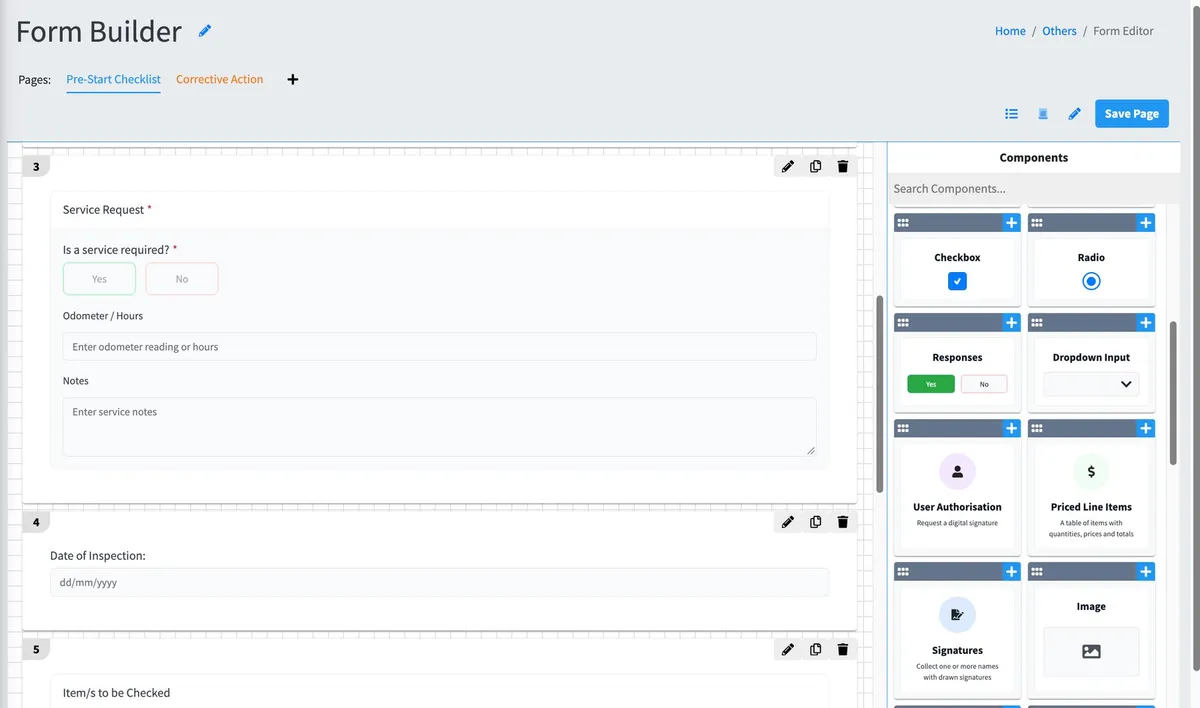
The form builder gives you the fields your work actually needs, the logic that asks the right follow-up when an answer is no, and the rules that get the form to the right person.
- Fields for real work: photos and annotated images, signatures and user authorisations, dropdowns, yes and no, dates, times, numbering, price lines and text.
- Cascading logic: a no answer opens follow-up questions on the spot, so the detail is on record before anyone leaves the site.
- Rules: email selected people the moment a form is submitted, or route it through review and approval with a full history.
- Actions from the form: a component can request a service, tag out an asset or report damage to it.
- Multi-page forms with the pages in the order you want, and an Others option on any pick list so the worker can type what the list missed.
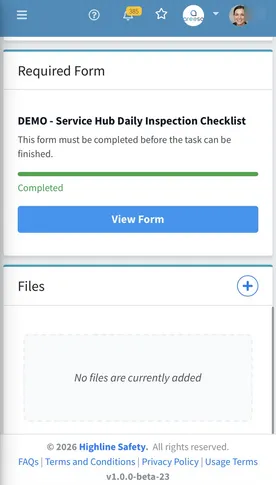
The forms already running in AREESA.
Every one of these started as a paper form or a spreadsheet in someone’s business. Each was built in the form builder, not bought as a template.
JSAs and safe work checks
Job safety analyses with the hazards, controls and sign-offs your crew works through before a task starts.
Pre-starts and inspections
Plant and vehicle pre-starts, daily inspections and site checks, with the follow-up questions asked when something is not right.
VOCs and competency checks
Verification of competency records against the plant and the person, signed and kept with their passport.
QA and QC checks
Quality checks with photos and annotations, so what was inspected and what was found are in the same record.
Quoting, variations and orders
Price lines, authorisations and approvals on the same platform as the safety forms, no second system.
Checklists and custom reports
Shop-opening checklists, dilapidation reports, anything on paper today. Build the fields, set the rules, done.
Every completed form files itself.
No photographing the pad and emailing it to the office. The record exists the moment the worker taps submit, and it stays attached to the plant, the project or the site it was about.
- Every completed form is time-stamped and signed by the worker who submitted it.
- Completed forms print as branded PDFs with your headers and footers, ready to send to whoever is asking.
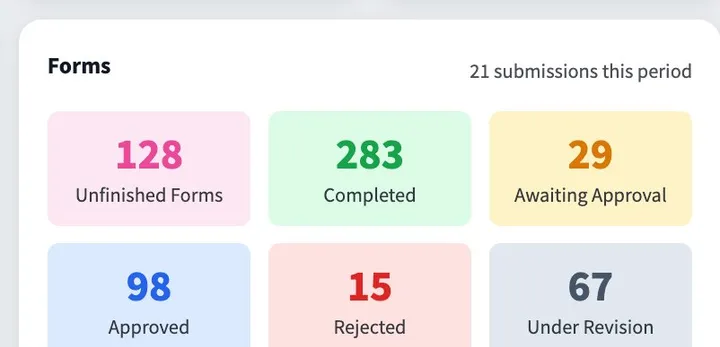
- Your metrics show submissions, unfinished forms and approvals across the business for any date range.
- Forms that need approval carry a revision history of every approval and rejection, and every completed form is searchable by person, category, form and date.
Risk assessments, a module of their own.
Risk Assessments are their own module in AREESA, not a form type. Choose the methodology, rate the hazard, record the controls, and the hazards you assess feed the hazard register and the risk-level chart in your metrics, alongside the forms your crew completes every day.
Filled in where the work is. No app.
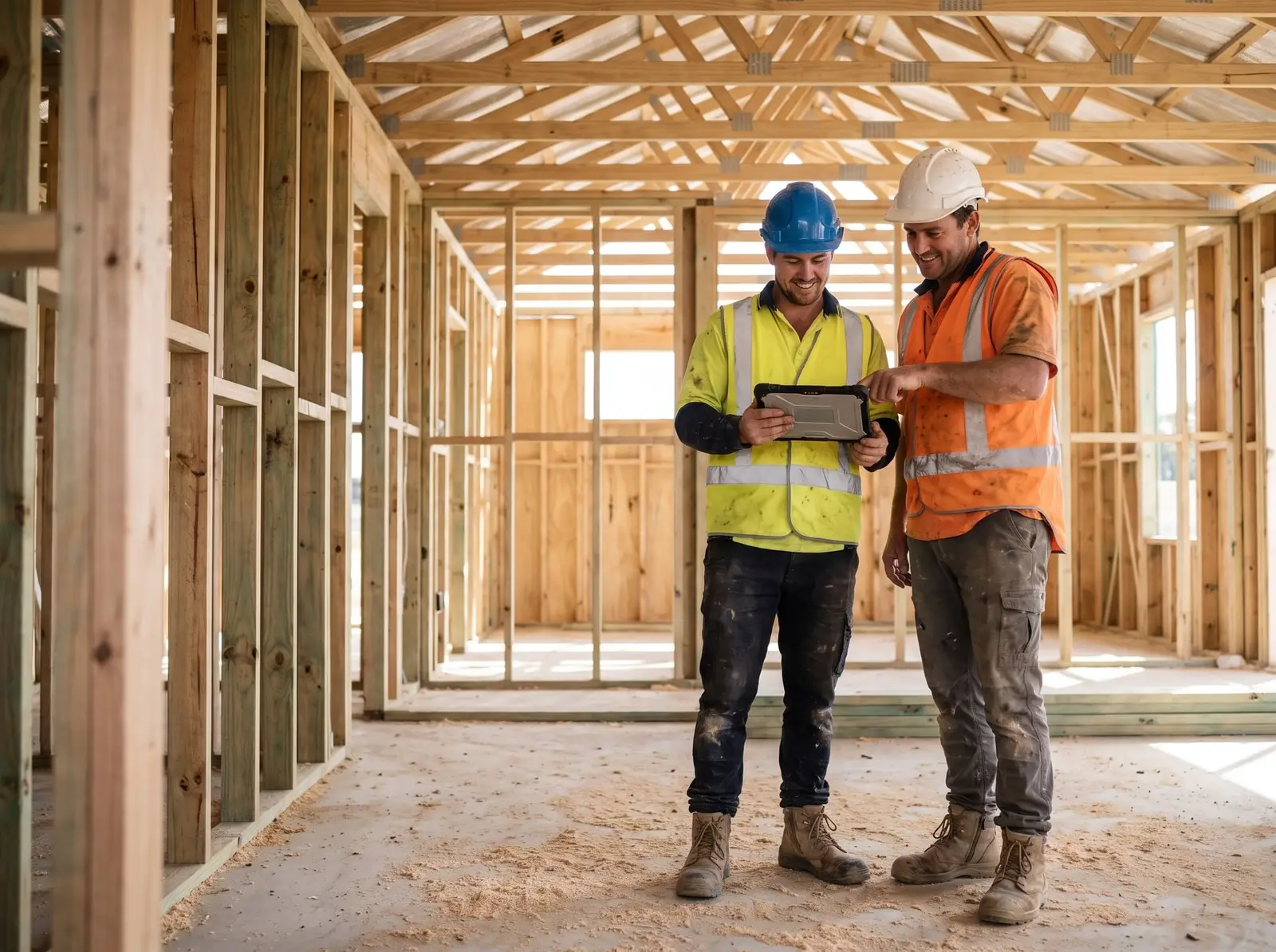
AREESA is fully web-based. The worker opens the browser on their own phone or tablet, finds the form on their dashboard or scans the QR code on the plant, and fills it in on the spot. Nothing to install, no Apple-or-Android lock-in, and a personal email address works fine.
Not just documented. Verified.
A safety system only counts if you can prove it happened.
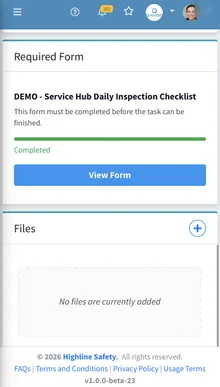
Completion tracking
See who has completed inductions, sign-offs and inspections across every site, live.
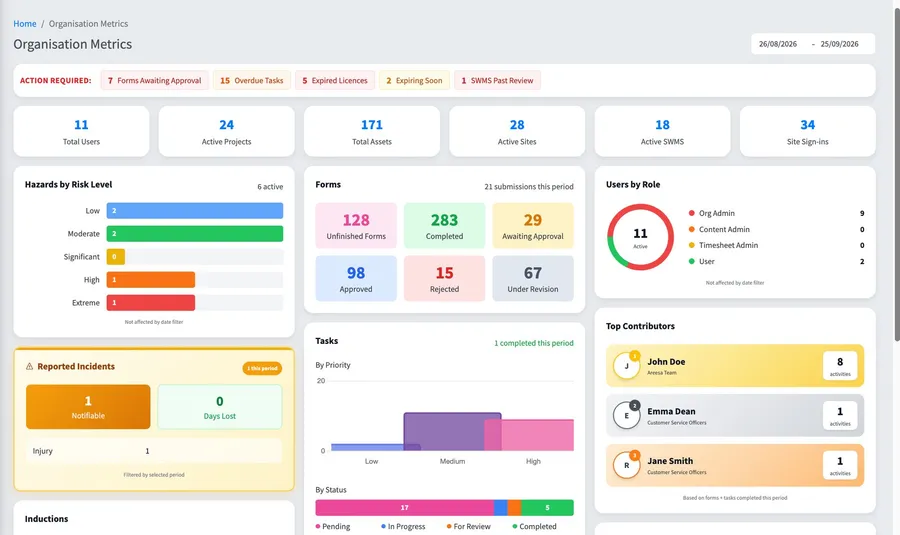
Approval workflows
SWMS and documents move through review and approval with a full history.
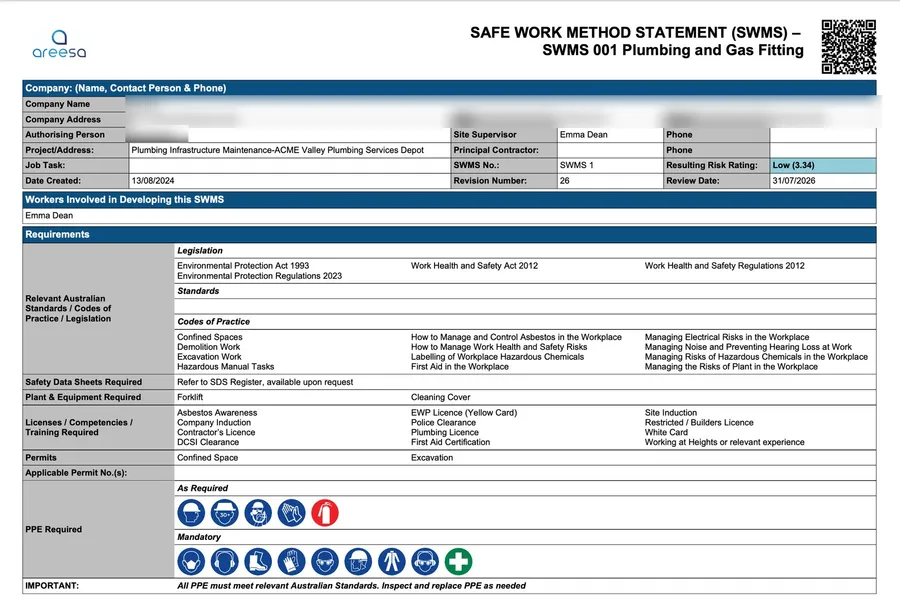
Audit-ready records
Every record time-stamped and signed. When the auditor asks, you search, not scramble.
Questions
Can I build any form in AREESA?
Yes. The form builder is open: JSAs, pre-starts, VOCs, QA and QC checks, quoting forms, variations, ordering forms, checklists and custom reports have all been built by customers. You choose the fields, the logic and the approvals, and the form runs on any phone. If you dream it, you can build it.
What field types are available?
Image upload and annotations, signatures and user authorisations, dropdowns, radio buttons and checkboxes, yes and no with cascading logic, date and time pickers, numbering and job numbers, price lines, single and multi-line text, and layout dividers for the PDF.
Can a form notify someone or trigger an action?
Yes. A no answer opens follow-up questions on the spot, a rule can email selected people the moment a form is submitted, and forms can move through approval workflows with a full history. Some components go further and request a service, tag out an asset or report damage to it. To make sure a form gets done, assign it as a task: an overdue task emails you the next day.
Are risk assessments forms?
Risk Assessments are their own module in AREESA, built around a risk methodology, with the hazards you assess feeding your hazard register and the risk-level chart in your metrics. The everyday forms, JSAs, pre-starts, VOCs and the rest, live in the Forms module.
What happens to a completed form?
It is stored the moment it is submitted, time-stamped and signed, searchable from the asset, project or site it belongs to, and printable as a branded PDF with your company’s headers and footers.
Do workers need an app?
No. AREESA is fully web-based, so it works on any device with a browser: phone, tablet or computer, Apple or Android. Workers can even use a personal email address.
What does WHS forms software cost?
Pricing depends on the size of your organisation and the modules you need. Book a demo and you’ll get a straight number in the first conversation.
Bring your worst paper form to the demo.
A 30-minute demo where we build one of your forms live, with your fields and your approvals, not a canned tour.