
Risk assessment software that rates the hazard before and after the control
Hazards by category, each with an initial and a residual rating and its controls tagged by type. Versioned, reviewed on a date, acknowledged by name, and covering every asset it applies to. Not a document on the shared drive.
Australian owned. Used every day on active sites across Australia.
What is risk assessment software?
Risk assessment software replaces the Word document with a matrix pasted in, saved somewhere on the shared drive with a date in the file name. In AREESA a risk assessment is a record: hazards grouped by category, each rated before and after its controls, every control tagged by type, and the whole thing versioned, reviewed on a date and acknowledged by the people who need to read it.
The difference is that the assessment shows its working. The initial rating says how bad the hazard is on its own, the residual rating says what the controls bought you, and the control type says whether that was elimination, engineering or a pair of gloves. When the review date passes, the assessment says so.
Further reading
- Model Code of Practice: How to manage work health and safety risks, Safe Work Australia
- Identify, assess and control hazards, Safe Work Australia
- Codes of Practice, SafeWork SA
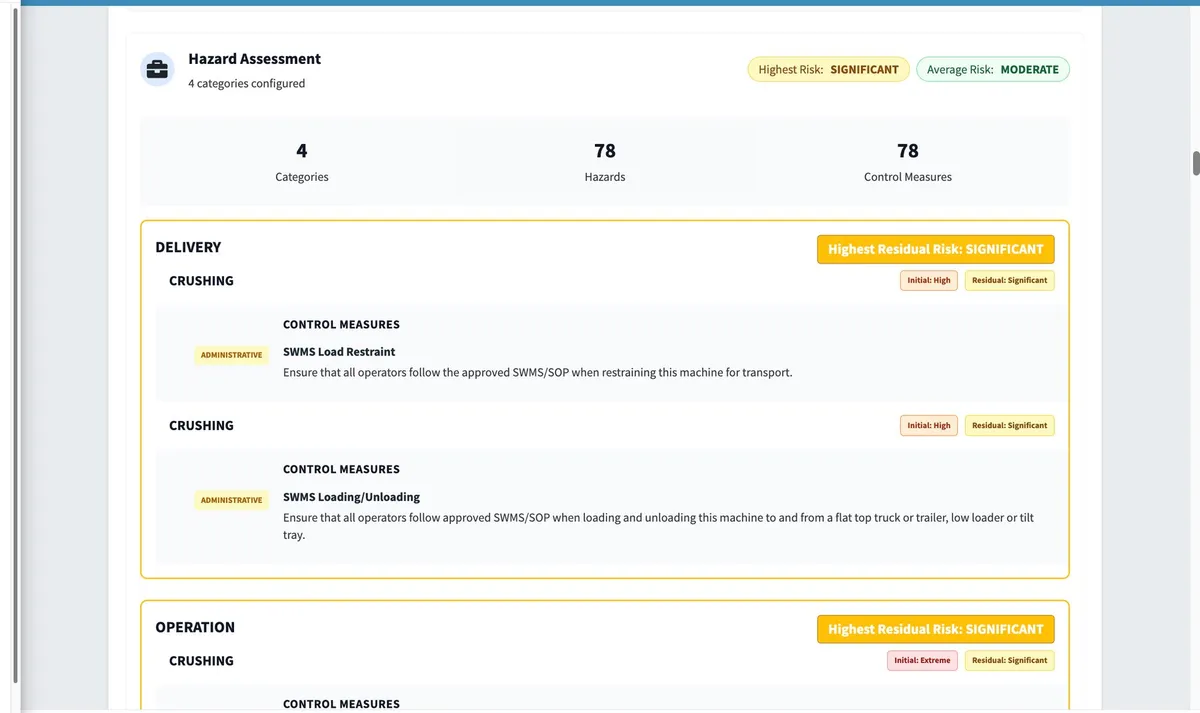
The control is on the record, and so is what it bought you.
Each hazard is rated on its own and again after its controls. Each control is tagged as elimination, engineering, PPE or whatever it is, so the assessment reads as the working, not the conclusion.
- Hazards grouped by category, each with a description, an initial rating and a residual rating.
- Control measures under each hazard, tagged by type from elimination and engineering through to PPE.
- Highest residual risk per category, and highest and average risk across the assessment.
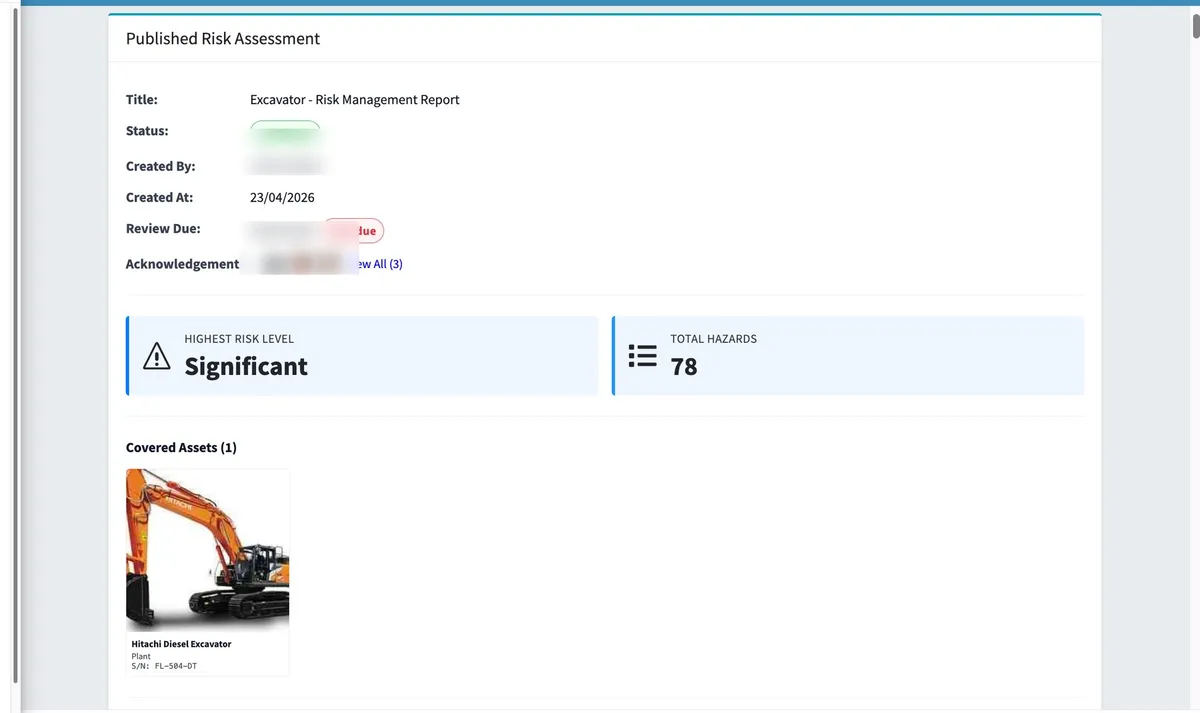
Every version kept. Every review on a date.
Published versions and drafts sit side by side with the current one marked. A review due date on each assessment goes overdue in red when it passes, and acknowledgements show who has read it.
- Every published version kept, with drafts in progress shown alongside.
- A review due date on each assessment, flagged overdue when it passes.
- Acknowledgements by name, so you can see who has read the current version.
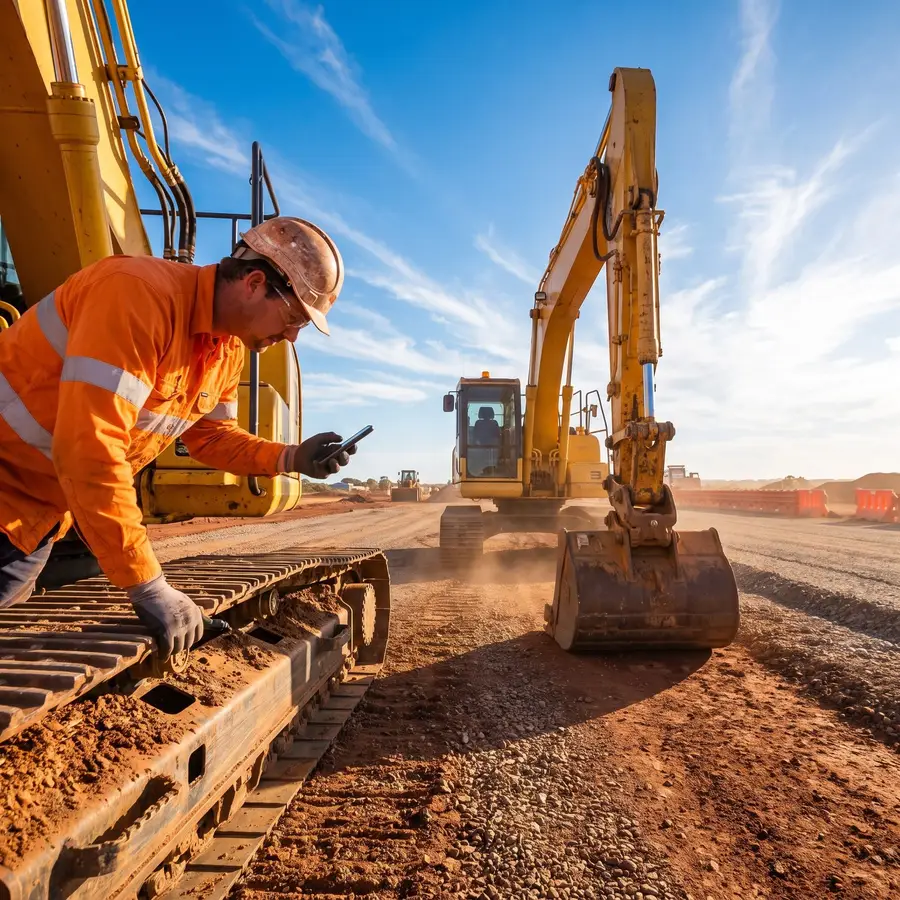
One assessment, every machine it covers.
A risk assessment covers the assets it applies to, so the same assessment sits on each machine’s record with its version and highest risk, and the hazards flow into your register and your metrics.
- One assessment covers every asset it applies to, from a single machine to a whole fleet.
- The assessment sits on each asset’s record with its version and highest risk.
- Hazards feed the hazard register and the risk-level chart in your metrics.
What a risk assessment carries in AREESA.
Initial and residual ratings
Every hazard rated on its own and again after its controls, so the effect of each control is on the record.
Hierarchy of controls
Each control measure tagged by type: elimination, engineering, PPE and the rest.
Version history
Published versions and drafts side by side, each dated and authored, with the current one marked.
Review due dates
A review date on every assessment, flagged overdue when it passes, with the latest review on record.
Acknowledgements
See who has acknowledged the current version by name.
Covered assets
An assessment covers the assets it applies to and appears on each of their records.
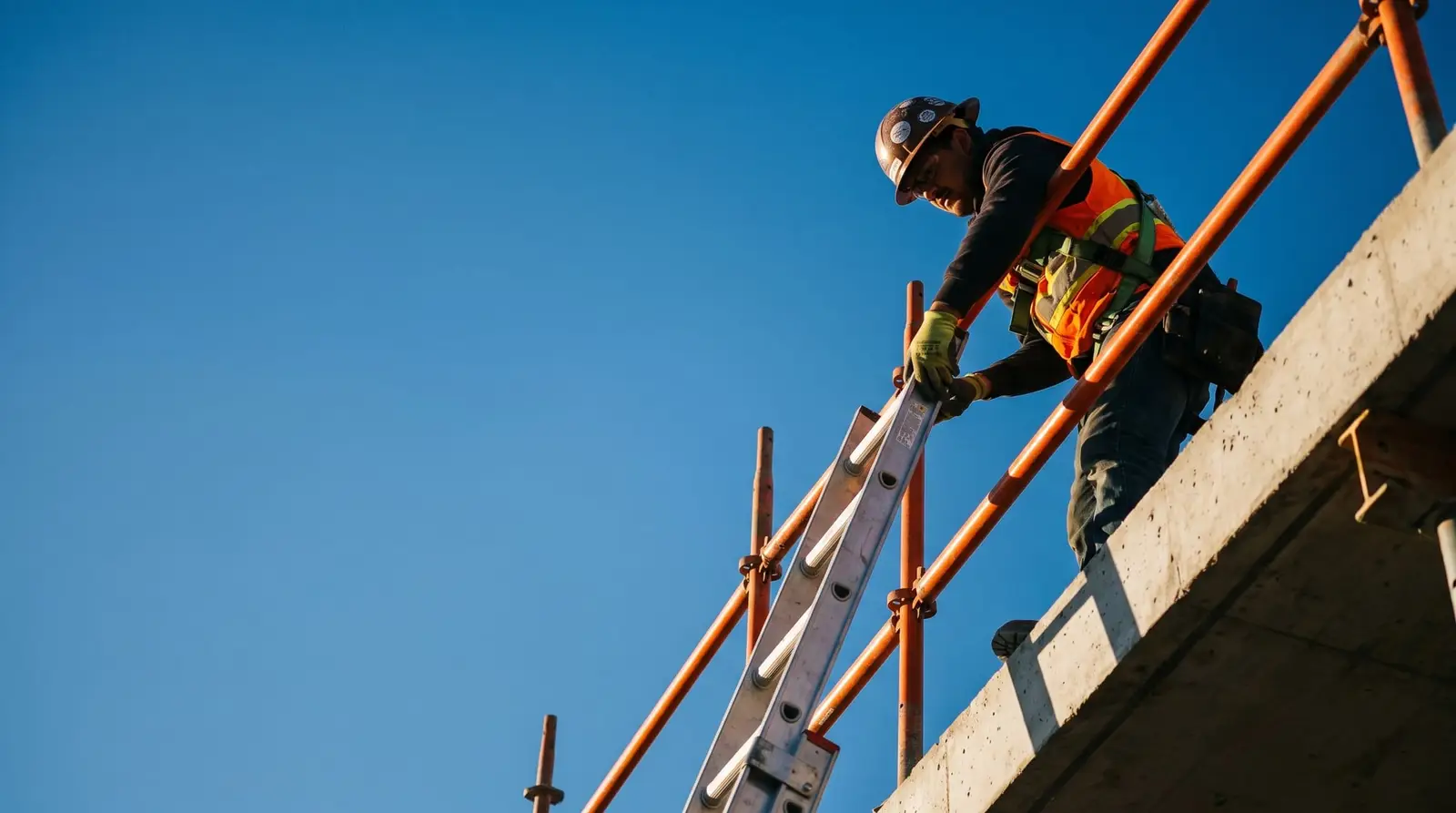
Read and acknowledged from the phone in their pocket. No app.
AREESA is fully web-based. A worker opens the browser on their own phone, reads the current version of the assessment for the job and acknowledges it where they stand. Nothing to install, no Apple-or-Android lock-in.
Not just documented. Verified.
A safety system only counts if you can prove it happened.
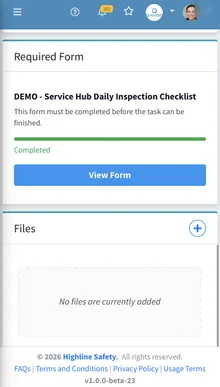
Completion tracking
See who has completed inductions, sign-offs and inspections across every site, live.
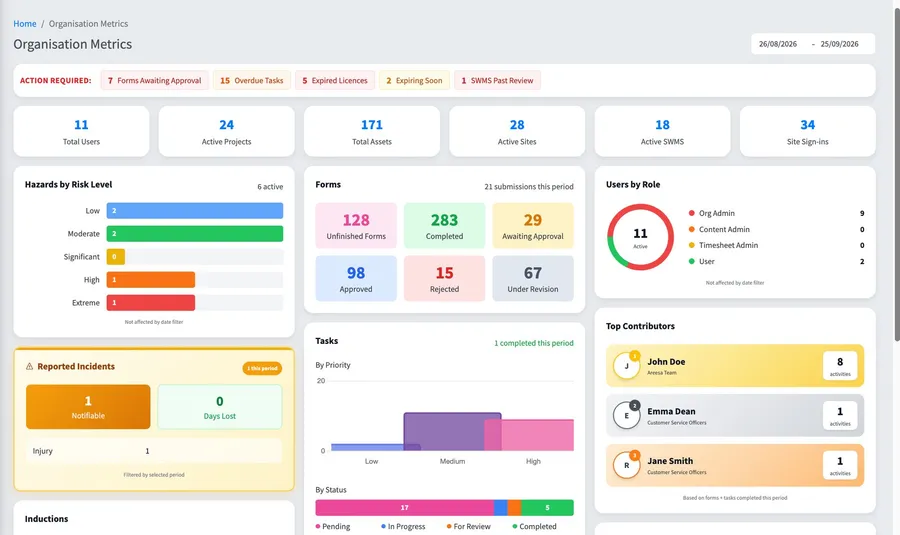
Approval workflows
SWMS and documents move through review and approval with a full history.
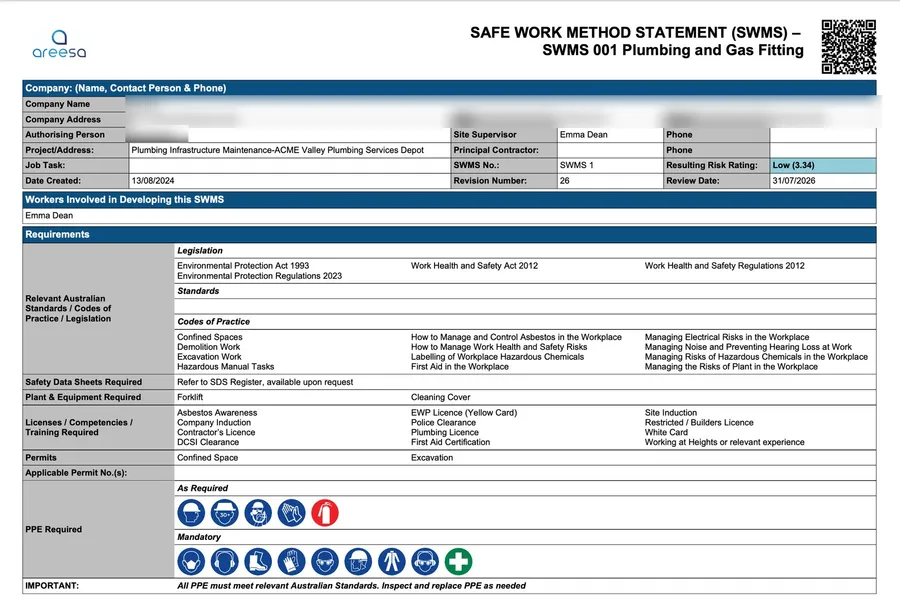
Audit-ready records
Every record time-stamped and signed. When the auditor asks, you search, not scramble.
Questions
How is a risk assessment structured in AREESA?
By category. Each category, such as confined space entry, holds its hazards, and each hazard carries a description, an initial rating, a residual rating and its control measures. Every control is tagged by type, and the assessment shows the highest residual risk per category plus the highest and average risk overall.
Are risk assessments versioned?
Yes. Every published version is kept with its date and author, drafts in progress sit alongside, the current version is marked, and while a new version is being amended the assessment says so and links to the form.
What happens when a review is due?
Each assessment carries a review due date. When it passes, the assessment is flagged overdue. The latest review and who did it are recorded on the assessment.
Can one risk assessment cover several machines?
Yes. An assessment can cover many assets, and it appears on each asset’s record with its version and highest risk level.
Are risk assessments the same as forms?
No. Risk Assessments are their own module in AREESA with their own menu item. Forms such as JSAs, pre-starts and VOCs live in the Forms module. The hazards you assess feed the hazard register and the risk-level chart in your metrics.
Do workers need an app?
No. AREESA is fully web-based, so it works on any device with a browser: phone, tablet or computer, Apple or Android. Workers can even use a personal email address.
What does risk assessment software cost?
Pricing depends on the size of your organisation and the modules you need. Book a demo and you’ll get a straight number in the first conversation.
See your risk assessments running in AREESA.
A 30-minute demo with your hazards, your controls and your review cycle, not a canned tour.