“We’d love to go digital, but none of the software has our forms.”
That is one of the most common reasons a business stays on paper. Its forms are not generic. The pre-start was refined over years, the site checklist reflects how this business actually works, and the client-required inspection has a layout the client expects. Swapping them for a software vendor’s template means losing what made them useful. With AREESA you do not have to. The form builder is fully customisable, so the forms your business already uses are rebuilt to run inside it, then attached to the job, asset, project or person they belong to.
Why templates don’t stick
- Your form has questions the template doesn’t. The specific hazard on your sites, the client’s sign-off field, the check your workshop added after a near miss.
- The template has questions you don’t need. Fields for industries you are not in, which slow people down and get skipped.
- Workers know your form. A familiar layout gets filled in properly. An unfamiliar one gets rushed.
- Forms end up living twice. The template goes in the software, and the real form keeps circulating on paper because it is the one that actually works.
What it costs to keep forms on paper or PDF
The form is filled in, but it goes nowhere. A paper pre-start with a failed brake check is a piece of paper. Nothing happens until someone reads it.
It isn’t attached to anything. A PDF in a shared drive is not linked to the job, the asset, the project or the person, so finding it later means knowing where someone saved it.
There’s no proof of who and when. A signature and a handwritten date are only as reliable as the person writing them.
What good looks like
| What changes | Paper or PDF form | Your form, built in AREESA |
|---|---|---|
| Layout and questions | Yours | Still yours |
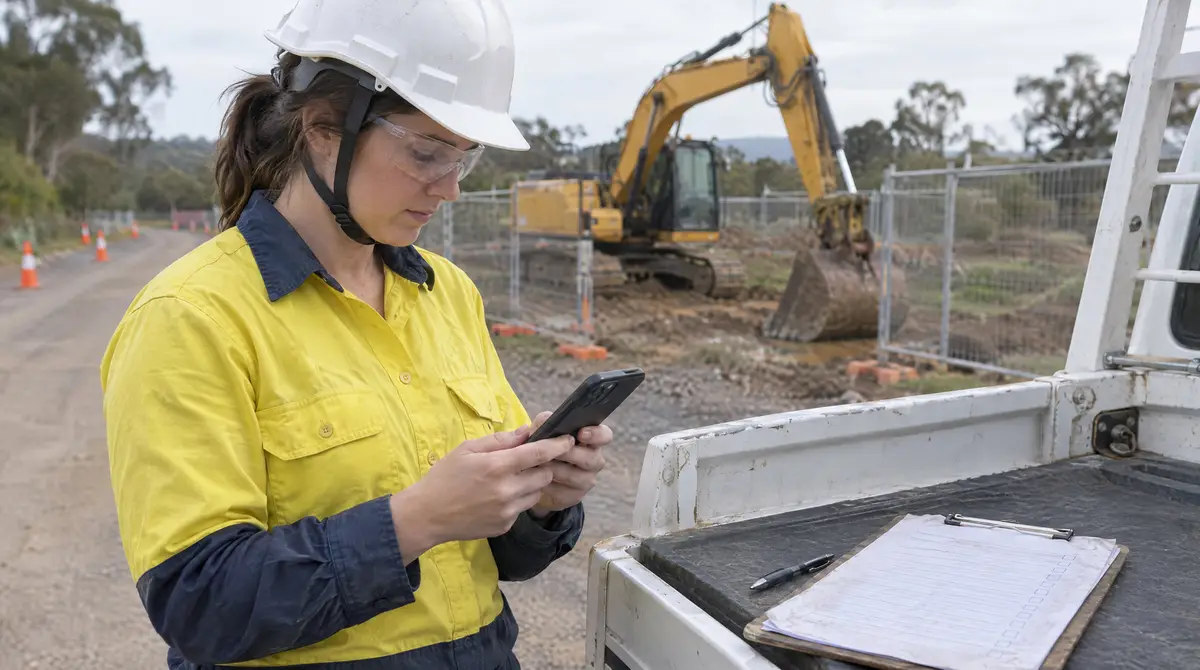
| Where it’s filled in | Clipboard, printout | Phone or tablet, on site |
| Evidence | Handwritten notes | Photos, signatures, timestamps |
| Attached to | Nothing, or a folder | The job, asset, project or person it relates to |
| An answer that needs action | Waits to be read | Opens follow-up questions, emails the people you choose, or reports damage against the asset |
| Finding it later | Search the drive | Open the job, asset or project |
How the form builder works
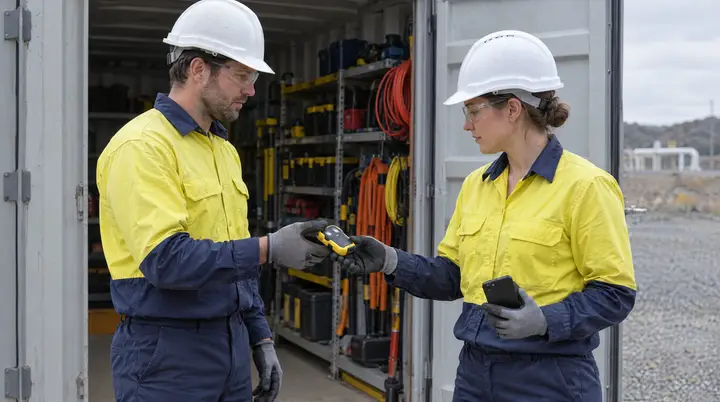
Bring the forms you already use. Pre-starts, checklists, inspections, JSAs, dilapidation reports, temperature logs, client-specific forms, HR forms. If your business uses it, the AREESA team can build it in AREESA.
Keep what makes them work. Your questions, your order, your sign-off steps. Fields can be required, so a form cannot be submitted half done. A “no” answer can open follow-up questions, so the form only asks what is relevant.
Attach every form to what it’s about. A pre-start goes against the asset. A dilapidation report goes against the job. A site inspection goes against the project. An induction or VOC goes against the person. That is how records stop getting lost: they live where you would look for them.
Make answers do something. A form rule can email the people you choose when it is submitted. Some form components can request a service or report damage against the asset, so the form starts the response instead of waiting to be read.
Use the same form everywhere. One version of each form, used across every site and crew, updated in one place when it changes.
If you dream it, you can build it
Once any form can run in AREESA, the use cases go well beyond safety. If a work or business flow runs through your company, from the first form to the final sign-off, it can be built to run through AREESA. The AREESA team has seen businesses run:
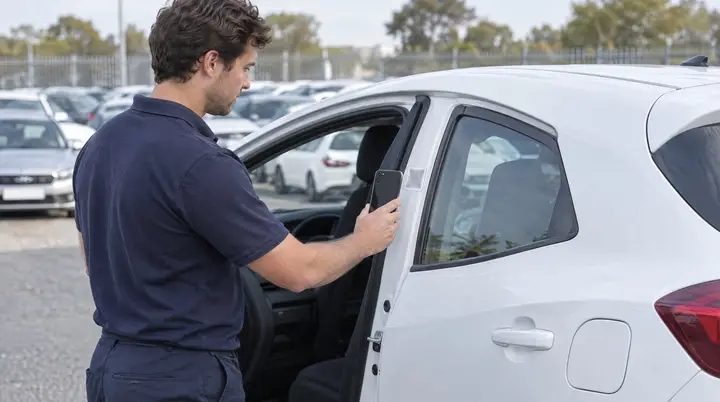
- Vehicle and plant pre-starts
- Site and workplace inspections
- Dilapidation reports and job completion sign-offs
- JSAs and SWMS acknowledgment
- Temperature logs and cleaning schedules
- Equipment handovers and returns
- Inductions, VOCs and onboarding
- Client-specific checklists and quality forms
The common thread is the same: a form someone fills in, attached to the thing it is about, with a timestamped record of who did it.
A pattern the AREESA team sees across implementations, not a named client.
A business had tried safety software before and gone back to paper, because the software’s templates did not match its forms and crews did not trust them. With AREESA, its existing pre-starts, site checklists and client inspection forms were rebuilt to match the originals, with required fields and follow-up questions added where they helped. Each form was attached to the asset, job or project it belonged to. Crews recognised the forms, filled them in on their phones, and the office stopped chasing paper. The business now runs one version of each form across every site.
Why AREESA
A form on paper is documented. A form in AREESA, timestamped and attached to the job, asset, project or person, is verified. AREESA is not a set of templates you have to fit around. It is configured to the way your business already works, implemented by the AREESA team, hosted in Australia and built to scale across sites. Bring one of your own forms to the demo and we will show you how it runs.