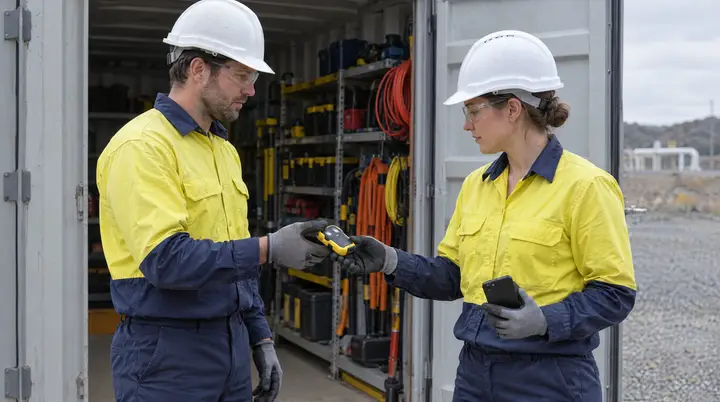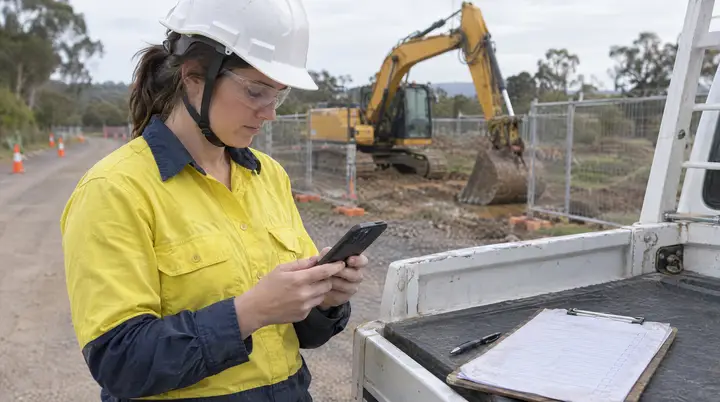
“Every car gets checked before it goes out. The sheet’s on the clipboard somewhere.”
For a vehicle hire business that sentence is usually true. The check happens. The problem is everything after it: the sheet that gets wet, the clipboard at the other branch, the warning light a customer mentioned at the counter that never reached the workshop. The fix is a QR code on every vehicle and every piece of equipment, so scanning it opens that item’s checklist and its history, and the people who notice problems, including customers, can report them against it.
Why a hire fleet is harder than most
- Vehicles move. A car picked up at one branch is returned to another. Its paper history stays behind.
- Many hands touch one vehicle. Yard staff, cleaners, drivers moving cars between sites, the workshop, and the customer.
- Turnaround pressure is constant. A check that starts with hunting for the right form gets rushed.
- The person most likely to notice a fault is the customer, and they are the one person with no way into the system.
What it costs when the check can’t be proven
When a damage dispute or a fault complaint comes in, the question is always the same: what condition was this vehicle in when it went out, and who checked it? A tick on a clipboard, if it can be found, shows a form was filled in. It does not show which vehicle, at what time, by whom, or what the photos looked like. And a fault reported at the counter and not acted on is a fault the business knew about.
Documented versus verified
| What you need | Clipboard pre-start | QR pre-start in AREESA |
|---|---|---|
| Which vehicle | Rego written by hand, if legible | Tied to the asset by scanning its code |
| Who did it | Initials | Named user, timestamped |
| Evidence | None, or photos on a personal phone | Photos attached to the check |
| A failed item | Noted on the sheet | A service request or damage report against the vehicle, or the vehicle tagged out |
| History | Filed by date, by branch | Held on the vehicle’s record, wherever it is |
| Customer-reported fault | Told to the counter, maybe passed on | Logged against the vehicle through public access |
How the QR workflow works
- A code on every asset. Vehicles, trailers, child restraints and workshop equipment, each with its own record in AREESA.
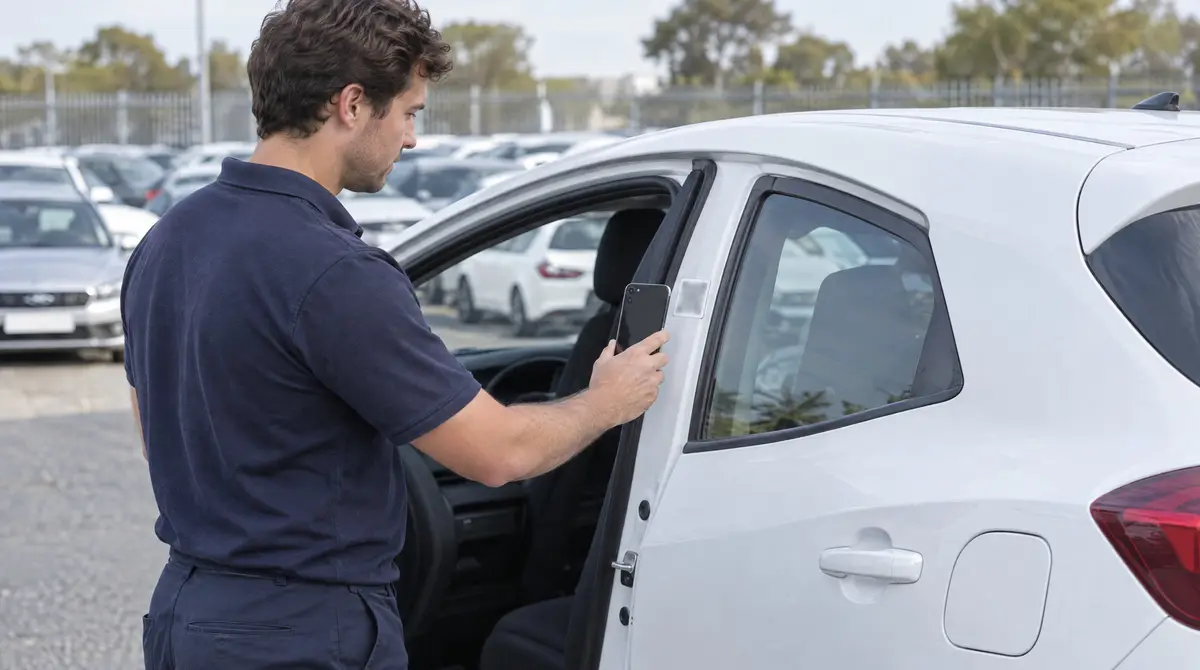
- Scan to start. Staff scan the code and the pre-start attached to that asset opens. No scrolling through a form list, no picking the wrong vehicle.
- Answer, photograph, submit. The check is timestamped and attributed to the person who did it, and sits on the vehicle’s record.
- A failed item can do something. A question can be built so that a yes answer requests a service or reports damage against the vehicle. If the vehicle should not go out, one button tags it out.
- The record follows the vehicle. Completed checks, service history, damage reports and tag-outs all sit on the one asset, so a repeat fault is visible to whoever opens it next.
Public access, the part most systems leave out
Most QR workflows assume the person scanning has the app and an account. In hire, the person holding the vehicle for the next three days does not.
In AREESA an asset can be made public. The business chooses which functions a person without an account can reach for that asset, such as reporting a warning light, a flat tyre or damage found at pick-up, and nothing else. Whatever they submit lands against the same vehicle as a staff pre-start. The vehicle’s records, the business’s data and every other function stay private.
A pattern from hire and fleet implementations
A pattern the AREESA team sees across hire and fleet implementations, not a named client.
A hire operator running several branches had pre-starts on paper, a separate equipment checklist, and fault reports arriving by phone, email and conversation at the counter. When a vehicle came back with a reported issue, staff had no quick way to see what the last check had found or whether the fault had been raised before.
The AREESA team set up a QR code on each vehicle and each item of hire equipment, attached the right pre-start to each asset type, and made the vehicles public for customer fault reports. A failed brake or tyre answer now reports damage against the vehicle, and a vehicle that should not go out is tagged out on the spot. Branch managers see every check and every open report across all sites, and a vehicle’s history follows it from branch to branch.
Why AREESA
A tick on a clipboard says a form was filled in. A pre-start in AREESA says who, when and which asset, and the fault report from the customer sits beside it. Every pre-start and every report carries that record. AREESA is configured around how your branches actually run, implemented by the AREESA team rather than left as a self-serve login, hosted in Australia, and built to work across many sites at once.