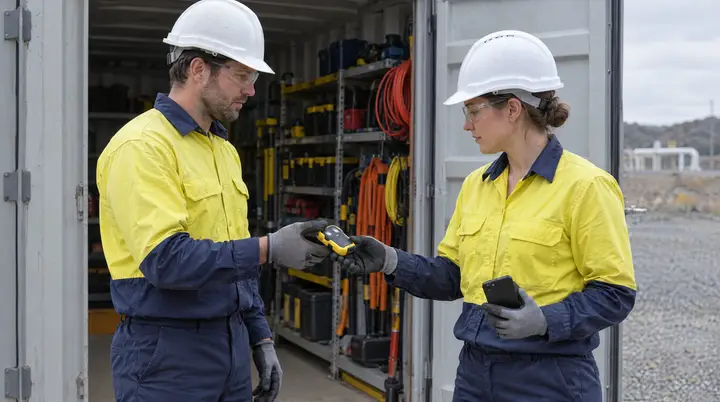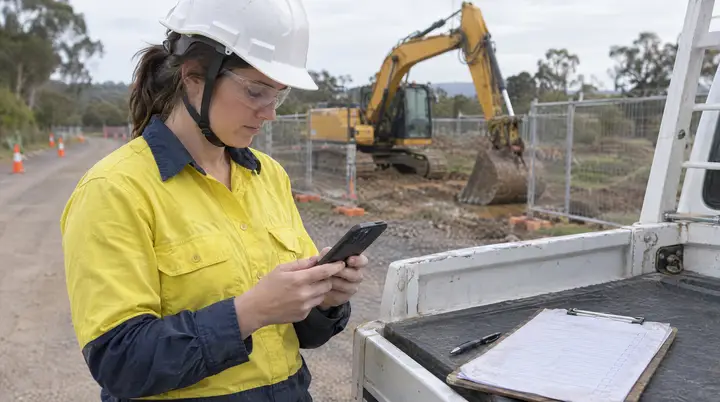
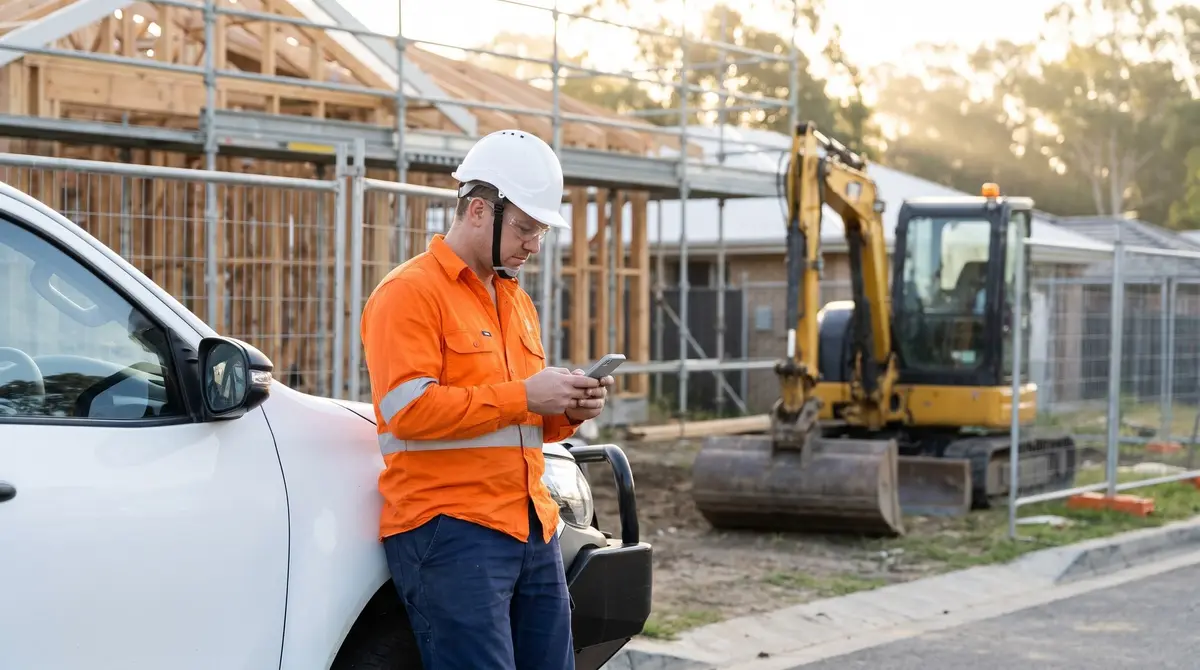
“The crew’s standing around waiting while someone fills out the JSA on the bonnet of the ute.”
Every supervisor knows the trade-off. The safety paperwork has to be done before work starts, and every minute it takes is a minute the crew is not working. So it gets rushed, copied from yesterday, or signed by one person on behalf of five. The answer is not less documentation. It is making the documentation fast enough that doing it properly is also the quickest option, and tying it to the project so it can be found again.
JSA and SWMS: not the same document
- A SWMS, a safe work method statement, sets out a high risk task from start to finish: the work, its hazards and the controls. It is the document each worker signs onto before that work starts, and it needs to be reviewed when the work or the controls change.
- A JSA, a job safety analysis, is the on-the-day check: this task, this site, these conditions. Many businesses and principal contractors expect one for every task whether or not a SWMS applies.
A good system handles both and keeps them separate.
What it costs when the paperwork is slow
Corners get cut. When the JSA takes twenty minutes, it becomes a copy of last week’s with the date changed. The document exists. It just does not describe today.
Sign-off becomes a formality. One person signs, or the sheet gets passed around without anyone reading it. Later, nobody can show that each worker acknowledged the SWMS for the task they were doing.
Records can’t be found by job. Paper SWMS and JSAs get filed by date, by supervisor, or not at all. When a principal contractor or a client asks for the documents for a specific project, someone goes looking.
What good looks like
| Step | Paper or generic form | AREESA |
|---|---|---|
| Starting the JSA | Blank form, written from scratch | Opened from the project with its details filled in, adjusted on the day |
| SWMS | Printed, handed out, signed on one sheet | Sent to each worker, signed individually on their phone |
| Proof of sign-off | Signatures, if legible | Each worker’s signature, named and timestamped against the version they signed |
| Changes on the day | Scribbled on the page | A new version, with the old one kept |
| Where it lives | Folder, ute, inbox | Against the project, with every other record for that job |
How AREESA does it
The JSA starts from the project. Jobs are managed as projects in AREESA. Open the JSA from the project and the project’s details are already in it, so the crew is reviewing hazards and controls rather than writing the same header for the fifth time. The JSA itself is your form, rebuilt by the AREESA team, not a generic one.
Each worker signs on their own phone. The SWMS goes to each worker and they sign it individually. The record shows who signed which version, and when. A supervisor can see who has not signed before the work starts.
Versions are kept. When the SWMS is revised the earlier version stays on record and workers sign the new one. The version on file is the one that applied to the work that day.
The project holds it together. The SWMS, the daily JSAs, the inductions, the pre-starts and the incidents for that project all sit against it. Pull up the project and the safety record for that job is already assembled. The SWMS software page shows the documents themselves.
A pattern from construction implementations
A pattern the AREESA team sees across construction and contracting implementations, not a named client.
A contracting business was running SWMS on paper and JSAs on a mix of paper and photos. The forms were thorough but slow to fill out on site, and finding the documents for a particular job meant asking the supervisor who ran it.
The AREESA team rebuilt the business’s JSA as a form opened from the project, set up SWMS signing on each worker’s phone, and moved job management into AREESA projects. Crews now complete the JSA on site with the project details already in place and sign onto the SWMS individually. Each project carries its full safety record, and supervisors can see who has and has not signed before work begins.
Why AREESA
A SWMS handed out is a document. A SWMS each worker has signed, timestamped, in the version that applied, held against the project, is a record you can produce. AREESA is configured around the work you do, implemented by the AREESA team, hosted in Australia and built to run across many projects and sites at once.